Block scanners by behaviour, not by list
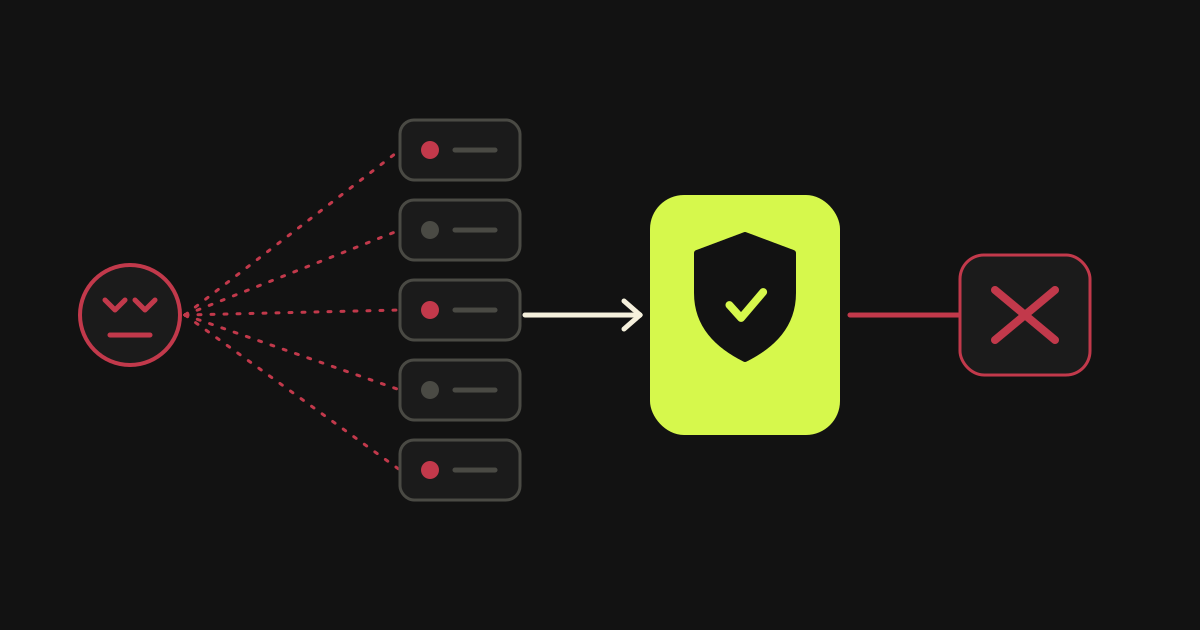
A malicious scanner is better recognised by what it does than by who it is. On top of AWS WAF I wrote a serverless system with Lambda, EventBridge and DynamoDB that reads the pattern of requests, tells the scanner apart and blocks it on its own.
At a glance: malicious scanner
- Lists of known-bad addresses always lag behind new addresses
- A scanner is told apart by the pattern of its requests, not by its identity
- The system uses AWS WAF, Lambda, EventBridge and DynamoDB
- Blocking happens automatically, with no person in the loop
- The system ran in the production infrastructure of a healthcare platform in America
Why are lists of malicious addresses always behind?
A list of known-bad addresses describes yesterday. An address gets onto the list after someone has already seen it attack, and the attacker switches address at almost no cost. So the list is always a day behind whoever respects it least.
There is a second, subtler problem. Lists do not know your site. An address that caused trouble somewhere else means nothing to you, and a clean address may be scanning exactly your pages right now.
A scanner, however, has something it cannot easily change: behaviour. It looks for paths that do not exist on your site, tries admin pages of other systems, asks for configuration files. A normal visitor never does that. That difference is why behaviour is worth watching.
On the healthcare platform in America, where I built the AWS infrastructure on my own, the protection that comes ready-made was not enough. I wanted a system that learns who is knocking.
How is the pattern of a scanner recognised?
The pattern of a scanner shows in the sequence of requests, not in a single one. Many requests to paths that do not exist, in a short time, from the same source, point to a search for weak spots rather than use of the application. So the decision rests on the whole behaviour of a source.
A single request to an unknown page is harmless: the user mistyped an address. The same request ten times in a few seconds, each time to a different well-known “vulnerable” path, is something else. The signal is repetition and variety together.
So the decision is not taken per request but per source and per time window. The system counts how many such requests there were and of what kind, and only when the total crosses a threshold does it treat the address as a scanner.
| What you look at | Normal visitor | Scanner |
|---|---|---|
| Paths requested | The ones that exist on the site | Many that do not |
| Order of requests | Follows links | Runs through a list of known spots |
| Repetition in a short time | Rare | Frequent |
| Reaction to an error | Stops or changes page | Carries on to the next probe |
What does AWS WAF rate limiting not cover?
AWS WAF rate limiting counts how fast requests arrive, not what they ask for. A scanner that goes slowly, under the limit, is not limited, while a normal user behind a shared address can exceed it. Behaviour fills that gap.
WAF already has a mechanism with related logic: rate-based rules. They count requests arriving too fast and rate limit the groups that exceed the limit, using an evaluation window and a limit that you set. But they do not know whether the requests head for paths a normal visitor would never ask for. That is where my own system comes in, as an extra layer and not a replacement.
How does the system work with Lambda, EventBridge and DynamoDB?
The system has four parts. WAF sees every request. A Lambda function evaluates the behaviour of each source. DynamoDB holds the state of each source. EventBridge connects them and provides the timing. When a source crosses the threshold, an instruction to WAF shuts it out.
I chose serverless for practical reasons. A defence system must always be on, must not depend on one server that can fall over, and should cost in proportion to use. Lambda runs only when there is work. DynamoDB gives fast reads and writes of per-source state without a database to set up. EventBridge does the gluing without queue code of my own.
The steps of the flow
In plain terms the flow is this:
- AWS WAF inspects every request to the application and produces a log.
- Details from the log reach a Lambda function, which evaluates the behaviour of the source.
- DynamoDB holds the history and score of each source for the time window.
- EventBridge triggers the evaluation and the actions that follow, with no scheduler of my own.
- When a source crosses the threshold, its address is added to the WAF rules and the scanner is blocked.
- The block is recorded, so it is clear what happened and why.
What keeps it from cutting off real visitors
The biggest risk in a system like this is false positives: shutting out a real customer. That is why the decision rests on a pattern and not on one request, and why blocking is controlled and reversible. An address that was blocked can be unblocked.
The system does not replace the other layers. It worked alongside the rest of the infrastructure: GuardDuty for threat detection, CloudTrail for a record of every action, Security Hub for gathering findings and CloudWatch for the daily watch. The rule is that each layer covers what the others cannot see.
If you are interested in a similar approach for your own infrastructure, write to me. The wider picture of the infrastructure is in the AWS section of the home page, and another example of a system that decides on its own, this time for code, is controlling an AI agent in production.
What should you watch for if you build something similar?
Three things: start by logging rather than blocking, have a way to undo a decision, and exempt what is yours. Before you block anything, watch for a while what your rule would have blocked. Fix the rule before it touches real visitors.
Also keep a way to see why a source was blocked. If a rule cannot be explained, you can neither trust it nor correct it when it is wrong. Recording the reason together with the block is what makes the system auditable and not merely automatic.
Logging first is the cheapest way to find the limits. If your rule would have shut out your own monitoring check or a partner, you see it before it happens.
Undoing is the second. A system that blocks automatically with no way back is a business risk. An address must be able to leave the block list, and every block should have a reason you can see.
The third is exemptions: office addresses, monitoring tools, services that call your API. You declare them explicitly instead of relying on luck.
Frequently asked questions: malicious scanner
It is an automated program that tries addresses and paths of a site in bulk, looking for known weak spots: admin pages, configuration files, old software versions. It is not aimed at you personally. It sweeps whatever it finds open.
It helps a lot against high-rate attacks, but it measures rate, not intent. A scanner that goes slowly and stays under the limit will not be limited. Behaviour analysis covers that gap.
That is possible in any automatic system. So the decision rests on a pattern of many requests rather than one, known addresses are explicitly exempted, and every block can be undone.
Sources: malicious scanner
Last updated:
More articles: malicious scanner
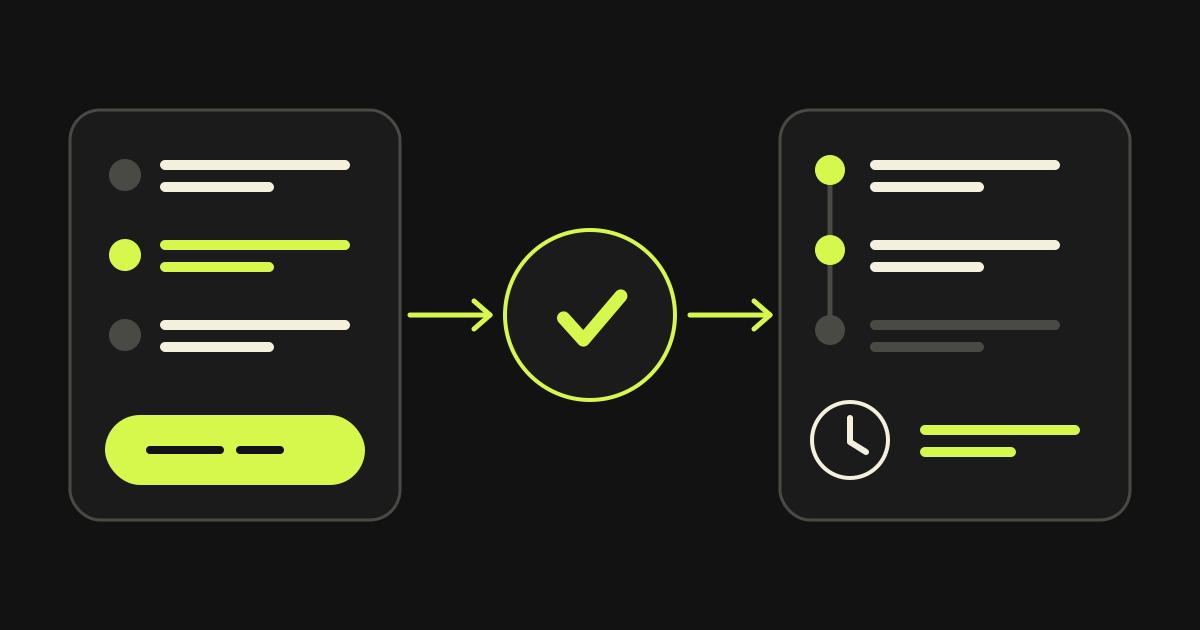
Quote Builder: quote, payment and project tracking in one app
The visitor builds a quote for a website, platform or cloud project alone, pays, and then follows the project in a client area of their own. The same app works for every company.
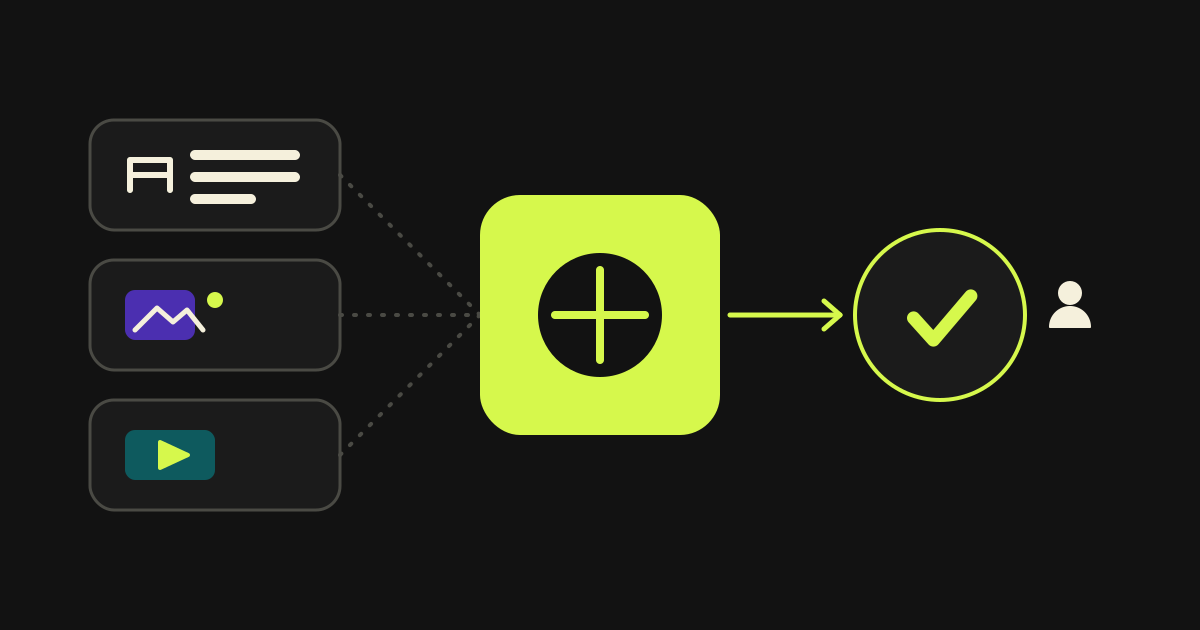
Praion AI Content Studio: text, images and video in one place
Text, images and video for a business’s posts, from the models that do each job best, in one place. Nothing is scheduled without your approval.
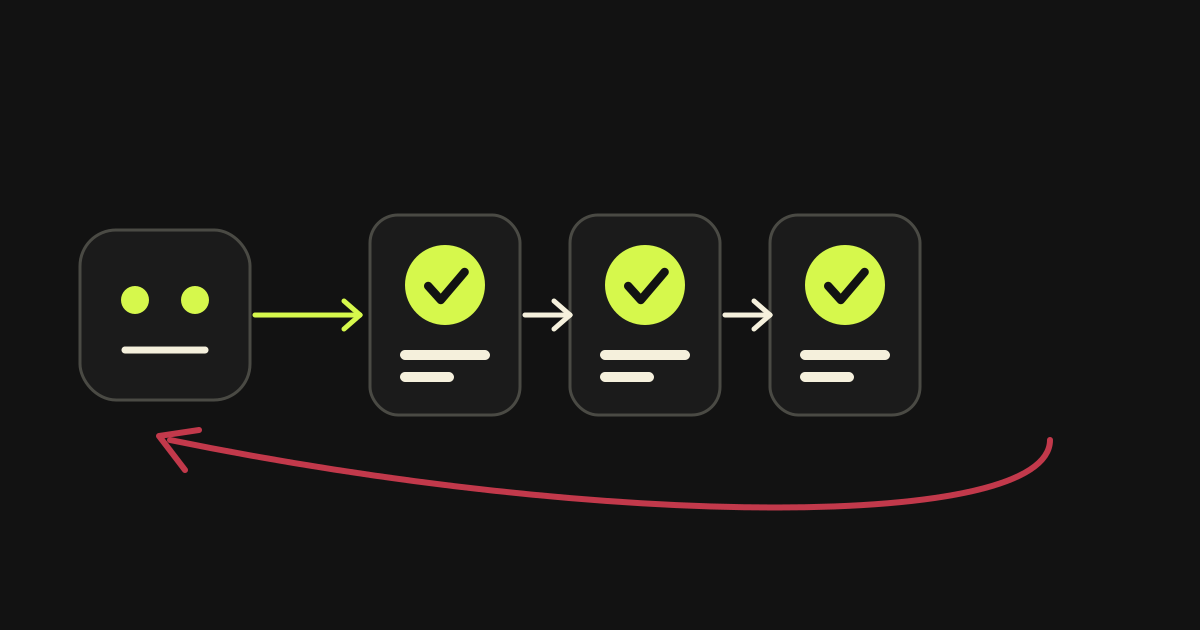
How to keep an AI agent that writes production code under control
The model is not the guarantee. The guarantee is three things: completion criteria that leave no room for interpretation, verification of every finding before it is accepted, and automatic rollback when a deployment fails. What I learned building Planner.