Praion AI Content Studio: text, images and video in one place
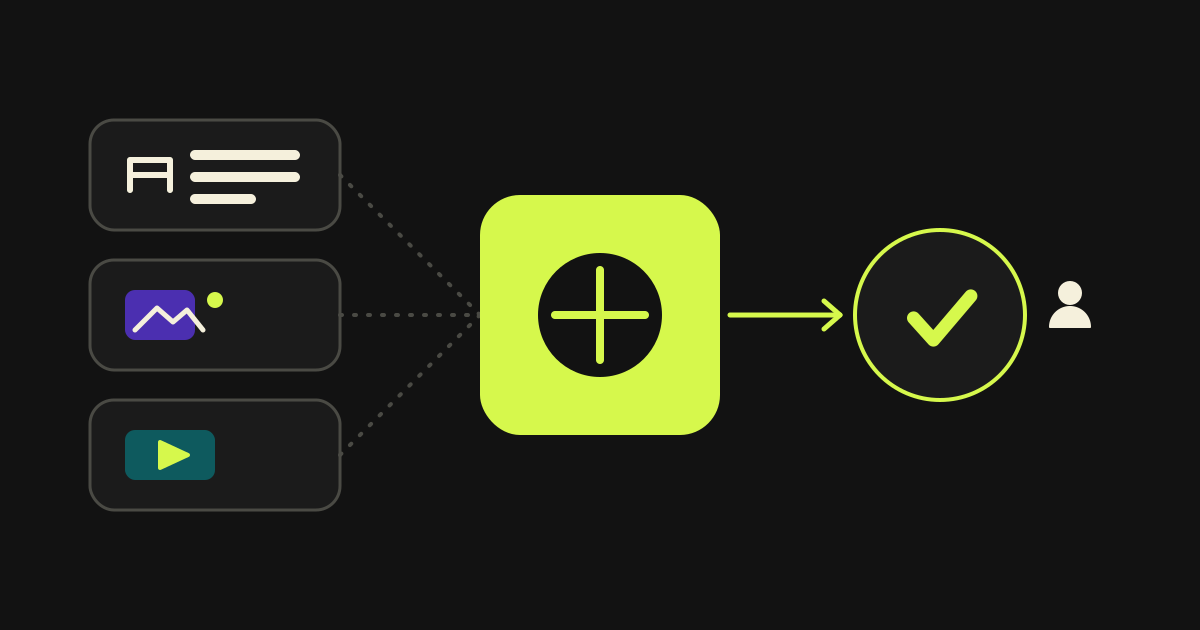
Today Praion AI has three applications, and more are planned and will be announced later. One of them, the Content Studio, creates the text, images and video for a business's posts. Here I explain what it does, what a business gains from it, and why nothing goes out without a person's approval.
At a glance: Content Studio
- Praion AI has three applications today, and more are planned and will be announced later
- The Content Studio creates text, AI images and AI video for a business's posts in one place
- Each job goes to the AI model that does it best, so the business does not need an account with every service
- Nothing is scheduled without a person's approval
- One account can hold several businesses, and each keeps its own colours, fonts and logo
What is Praion AI, and where does the Content Studio fit?
Praion AI is a set of applications for businesses. Today it has three, and more are planned. Each application opens on its own and does one job. The Content Studio is the one that plans and creates the posts for social media such as Instagram and Facebook.
The three applications are:
- Product Manager. Writes the texts and details of the products in an online shop, so that Google can find them.
- Leads Concentrator. Gathers the messages that customers send from different apps into one list.
- Content Studio. Creates text, images and video for posts.
What does the Product Manager do?
The Product Manager reads the products of an online shop and prepares everything each one needs to be found properly on Google and to be mentioned by AI assistants. Nothing changes in the shop until a person at the business has approved it.
For each product it suggests 16 fields. It writes the product name and descriptions, the SEO title and the meta description for Google, and the keywords. It also writes the title, description and image used when the product is shared on social media. For every photo it writes the alt text, title, caption and description. It adds frequently asked questions, key facts, pros and cons, an answer summary and the questions customers search for.
It writes in the voice of the business, from a profile with its tone, its audience and the words it never uses. The shop manager sees the current value and the suggestion for each field side by side, and accepts it, edits it or rejects it. Once approved, the Product Manager sends the fields back to the shop, together with the structured description of the page (schema).
It also connects to the CMS I built in Next.js. It reads the pages, products and articles of the CMS and writes the fields back one by one. If one field cannot be written, it reports that field on its own and the rest go through. Today it also connects to WooCommerce shops on WordPress, and Shopify is among the next steps.
What does the Content Studio do?
The Content Studio starts from a plan of posts for a period, for example a month. For each post it writes the text and creates the image or the video. Then it shows them to a person for review and schedules them for Instagram, the Facebook page, LinkedIn and TikTok.
Before it existed, a business needed several separate tools: one for the plan, one for the texts, one for the images and one for the video. Now everything happens in one place, and the business's colours, logo and style stay the same in every post.
What does a business gain from the Content Studio?
It gains time, consistency and control. The posts come from one place instead of several separate tools. They look alike, because they use the same colours and the same logo. And nothing goes online before a person at the business has seen it.
There are practical benefits too:
| What the business needs | What the Content Studio does |
|---|---|
| Text for its posts | Writes it with an AI model that writes good copy |
| Images | Creates them with models that make illustrations or photo-like images |
| Video | Creates it with models that make video |
| A brand that looks the same everywhere | Keeps each business's colours, fonts and logo separate |
| Nothing wrong going online | Every suggestion waits for a person's approval |
| No account needed everywhere | The business pays with usage credits, not with an account at every service |
Why does it use several models instead of one?
Because no single model does everything well. One writes very good text, another makes beautiful illustrations, a third makes images that look like photographs, and a fourth makes video. If you pick only one, the rest come out weaker. The Content Studio gives each job to the model that does it best.
It is like calling a plumber for the pipes and an electrician for the wiring. For each job there is a model chosen in advance, and the business can change it. There is also a screen where you send the same request to several models, see the results side by side and choose.
How does the business stay in control?
Whatever the AI writes or creates reaches the business as a suggestion that is waiting, not as a finished post. A person accepts it, edits it or rejects it. As long as even one suggestion is left unanswered, the post cannot be approved or scheduled.
A history is kept for every post, where things are only ever added and nothing is deleted. That shows who approved what and when. The only Praion AI feature that sends a message without a person is the automatic reply of the Leads Concentrator, and it has a test mode in which it writes the reply but does not send it.
How is each customer's data kept separate?
Each customer has a storage space of their own, like a separate locker with its own key. With every request the system finds out which customer made it and works only in that customer's space. The advantages and the cost of this choice are explained in the article on a database per customer.
One account can hold many businesses or brands. A marketing firm that manages dozens of clients puts them all in the same account, and each one has its own profile, its own colours and its own logo.
What happens if something goes wrong?
The post is not lost. If a job fails for a moment, the Content Studio tries it again. If the error is permanent, it stops and returns to the business the usage credits that had been reserved, so the business is not charged for something that did not happen. A person sees what happened and decides what to do.
The credits work like a prepaid card. They are reserved before a job starts and charged only when it finishes. If the card is empty, the Content Studio says so clearly and starts nothing.
Frequently asked questions: Content Studio
Three: the Product Manager, the Leads Concentrator and the Content Studio. More are planned and will be announced later.
It reads the products of a shop and suggests for each one the descriptions, the title and description for Google, the alt text and descriptions for every photo, frequently asked questions, key facts, and pros and cons. The shop manager approves every suggestion before it goes live.
Yes. The CMS I built in Next.js has its own secure connection to the Product Manager. It reads pages, products and articles and writes the SEO and AEO fields back one by one, after the manager's approval.
No. Whatever the AI writes is a suggestion waiting for a person. The post cannot be approved while a suggestion is left unanswered.
No. The access keys belong to the platform and are kept in one central place. The business pays only with usage credits.
Last updated:
More articles: Content Studio
Quote Builder: quote, payment and project tracking in one app
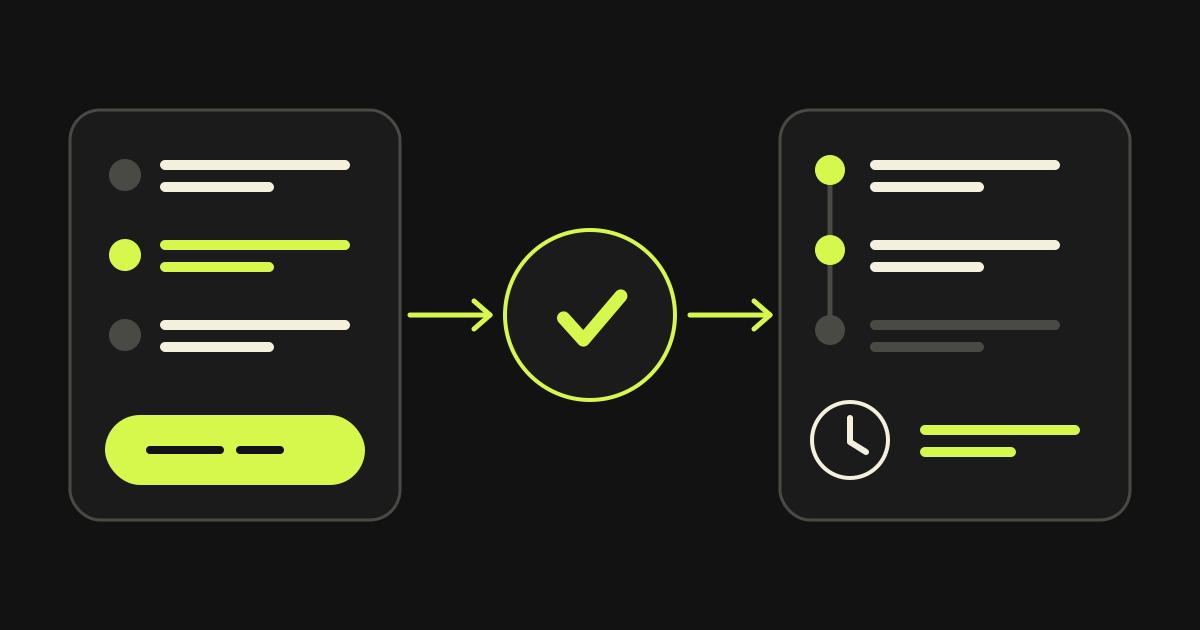
The visitor builds a quote for a website, platform or cloud project alone, pays, and then follows the project in a client area of their own. The same app works for every company.
How to keep an AI agent that writes production code under control
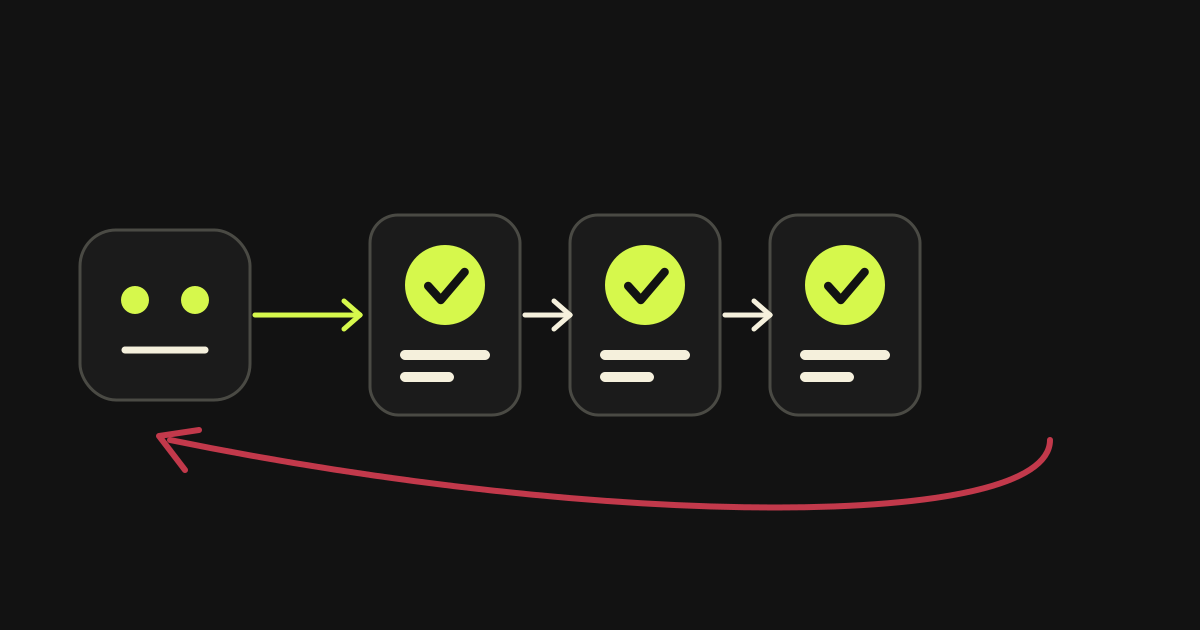
The model is not the guarantee. The guarantee is three things: completion criteria that leave no room for interpretation, verification of every finding before it is accepted, and automatic rollback when a deployment fails. What I learned building Planner.
A database per tenant: what you gain and what you pay
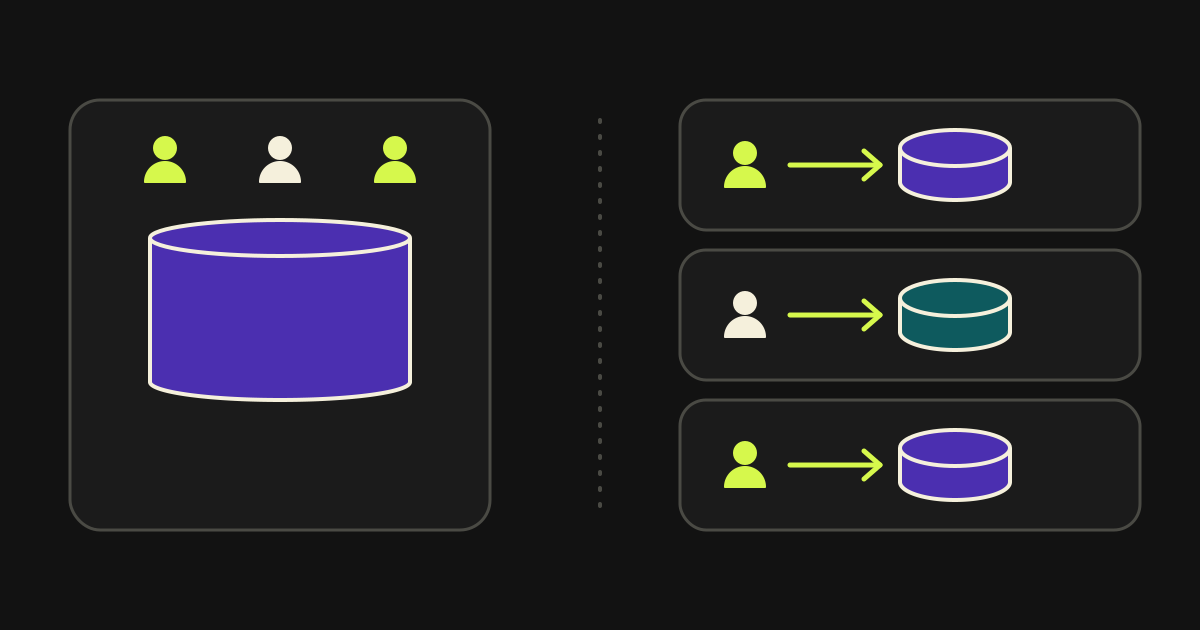
A healthcare platform where every customer had its own database. The isolation you gain is real. You pay for it in migrations, in backups, and in the first analytics query that has to read from a hundred databases.